





One Stop
Mobile Solution
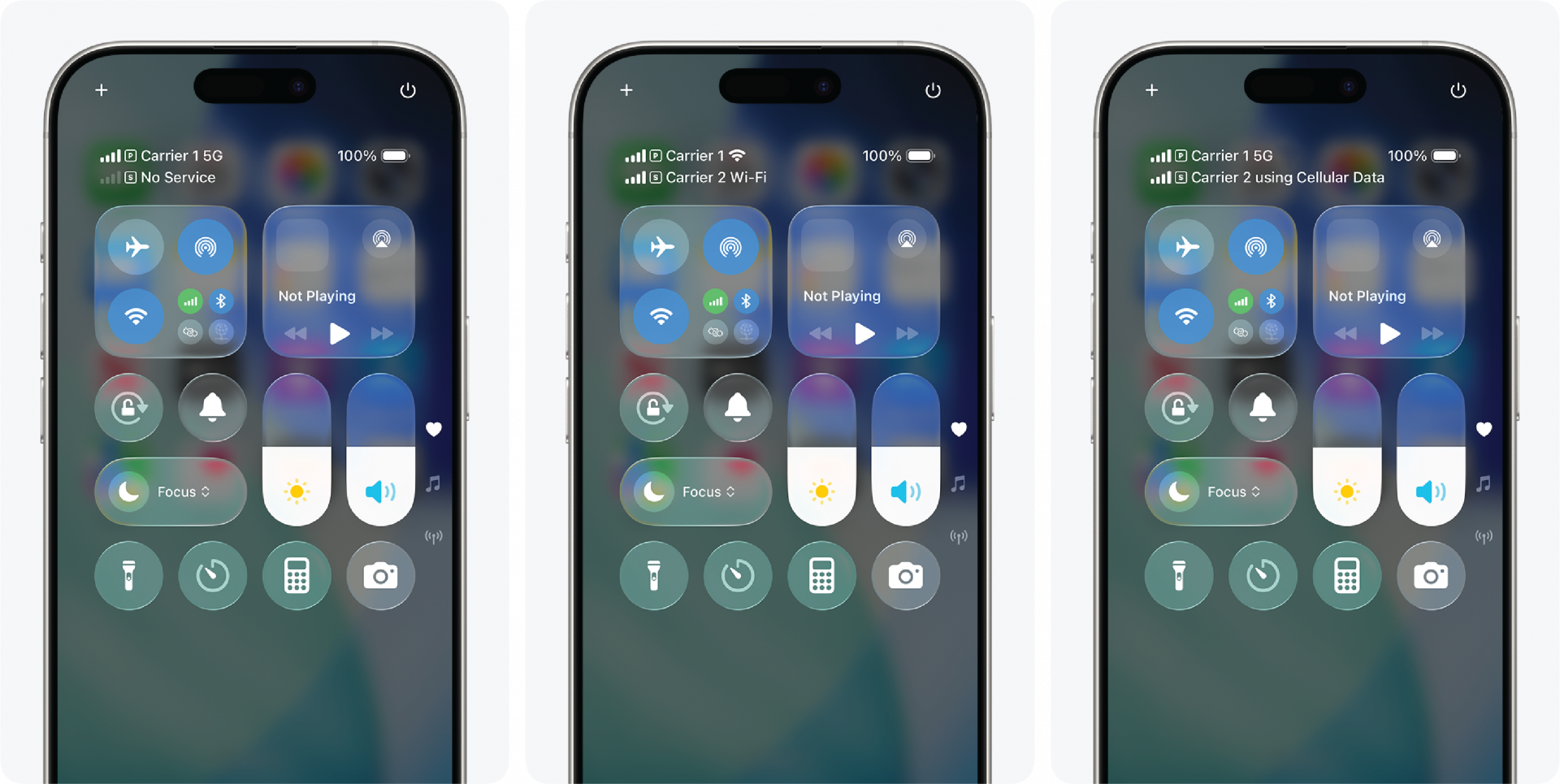
Our Dual Carrier Smartphone turns coverage gaps and call failures into a thing of the past using technology your device already supports.
With access to a Tier 1 primary and secondary carrier, you’ll achieve an unrivaled experience for coverage, performance, and all your business needs.
Your phone was designed to support two active carriers at the same time. Granite unlocks that capability for enterprise use and provides a fully managed smartphone experience designed for reliability, flexibility, and nationwide performance backed by advanced 24/7 customer support. No hacks. No workarounds. No new hardware.
Just the technology your phone already supports finally put to work for business continuity.
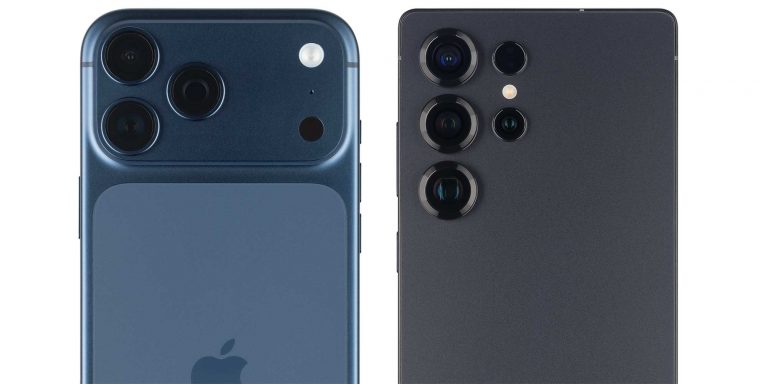
of multiple smartphone devices
Smartphones Options
At Granite, we understand the importance of having options that meet different requirements. Whether you prioritize a seamless user experience or seek advanced customization, our wide selection of smartphones allows you to make a choice that aligns perfectly with your professional needs. Trust Granite to provide you with the latest devices from the industry’s top players, ensuring that you can stay productive and connected with the best technology available.
Contact us or visit the Marketplace today and discover the perfect device for your business requirements.
ENSURE YOUR PHONE IS COMPATIBLE AND UNLOCKED
Corporate-Owned, Business Only
At Granite, you can bring your own phone and still receive our reliable performance across the U.S. by leveraging the strongest available network.
Once you confirm your phone is compatible and unlocked, we can begin the process.
Let’s Get Started
Once compatible, Granite can port over existing numbers while maintaining existing equipment. To start, we need:
- Phone Make, Model, and IMEI
- The device to be in an Unlocked Status
- Contract Status
- Remaining
- Equipment Obligations
- Carrier Account Number(s)
- Carrier Account PIN(s) or Carrier Generated Port Out PIN(s)
The best way to gather this information is from the standard mobility reports via your online portal(s). This information is required in order to complete a full & complete proposal.

Frequently Asked Questions
The IMEI is the serial number that uniquely identifies your mobile phone. In the event that your phone is lost or stolen, reporting the IMEI will completely block service to the phone. To access your phone’s IMEI for your own personal records, please dial *#06# on your phone’s keypad. The IMEI will be displayed on the screen.
The most reliable way to determine whether or not your phone is unlocked is by calling your current carrier and asking them to verify your phone’s status. You will most likely need to provide your account password (if applicable) and your phone’s IMEI number.
Yes, of course. Your current phone number will be ported over to Granite. You do need some additional information from your existing carrier to make the switch. We’ll guide you through what information you will need before we begin any of the process.
Note: Do not cancel your current service until your transfer to Granite is complete.
Locked vs Unlocked Phones
An unlocked cell phone isn’t locked to a specific carrier’s network. Usually, if your device is paid off, it can be unlocked. This allows your device to work with more than one service provider.
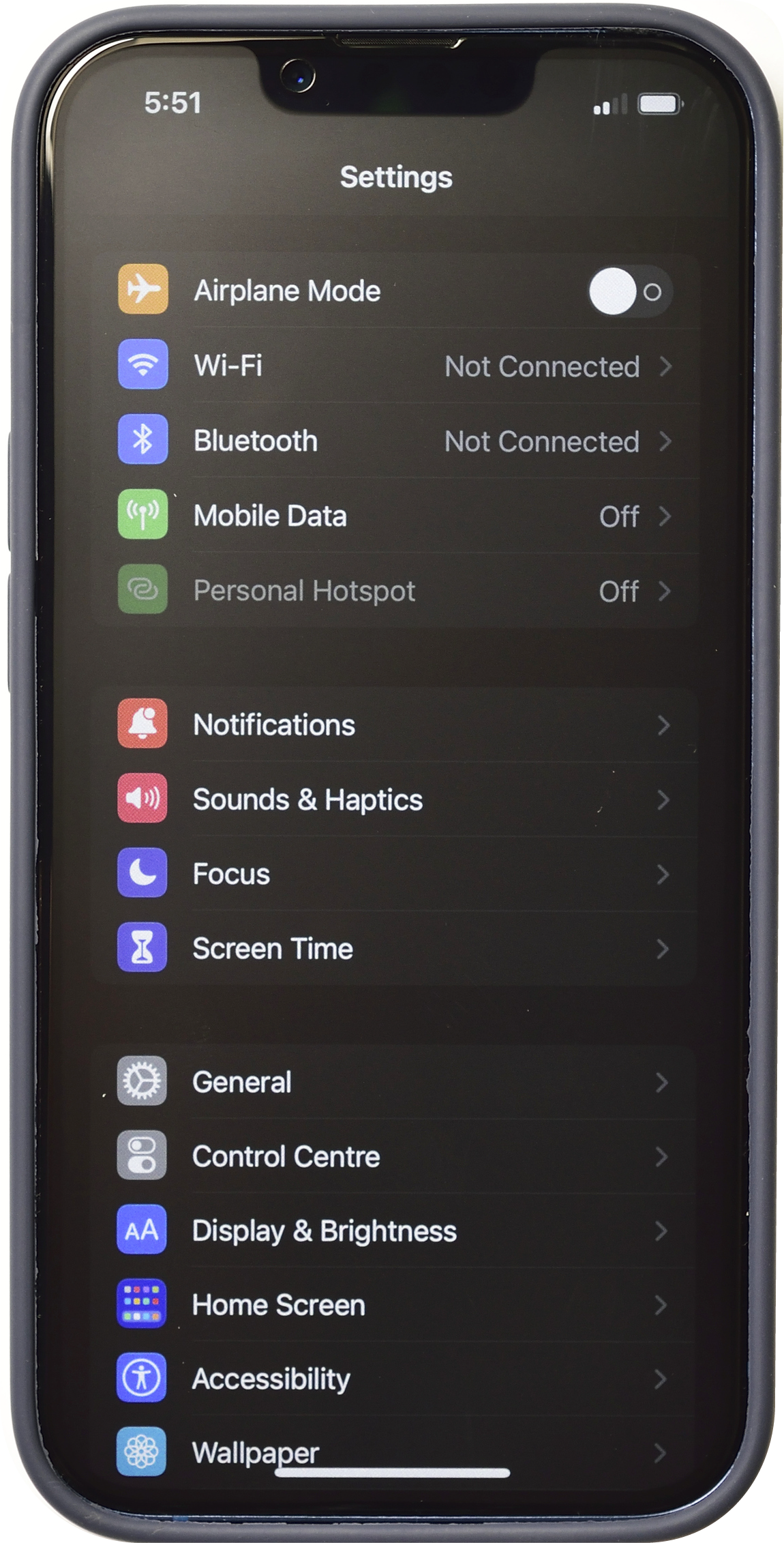
- Go into your iPhone’s Settings
- Select “General”
- Select “About”
- Scroll down to“Carrier Lock”
“No SIM restrictions” means your phone is unlocked
“SIM locked” means your phone is currently locked.